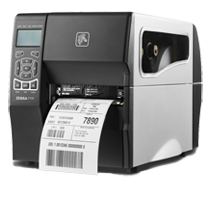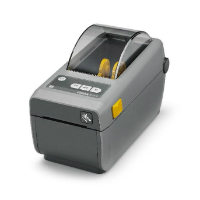
Zebra ZD621: evaluate a label station as a shared shop system
The questions behind using a desktop label printer across coordinators, workstations, and locations.
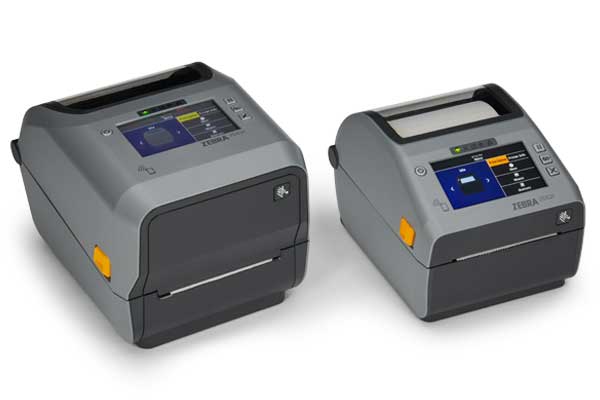
The questions behind using a desktop label printer across coordinators, workstations, and locations.
A label station becomes a shared system as soon as another person or location depends on it. A printer that works for the owner’s laptop is only the beginning of that system’s acceptance test.
A documented product generation
Zebra’s search-indexed September 7, 2021 availability article covers the ZD621 alongside the ZD421. Its former URL now redirects, so that reference supports a qualified historical period rather than a precise first-shipment date. Zebra’s current ZD621 support page provides model-specific documentation. Readers should check the exact variant and current support information before making a purchase.
Define the shared record
For a multi-location fabricator, decide whether a label identifies a record shared across branches or a local record whose identifier can repeat elsewhere. That is an application-design question, not something a printer purchase resolves. Have the software supplier show how the branch and material record remain distinguishable.
Use a demonstration transfer between locations. Print the label, move the test record through the proposed workflow, and scan it at the destination. Write down whether the scan merely finds the record or also changes its status. Make the responsible role explicit so one scan cannot silently substitute for a receiving decision.
Give configuration changes an owner
Choose who can change the label layout and who approves a revision. Keep the template and workstation setup together. When one location requests an extra field, check its effect on every location using the shared layout.
A useful acceptance exercise has two authorized employees perform the same task from their ordinary workstations. Compare the output and the resulting records. Record any differences before expanding the setup to the rest of the team. The goal is a repeatable process with clear ownership. No branch compatibility, throughput, or print-quality result is implied without testing your actual installation.
Source record
Document-based retrospective with original workflow analysis. No hands-on test, interview, or trade-show attendance is claimed. Same qualified historical availability reference as ZD421; exact launch date unconfirmed.
Editorial approach & corrections →